hero image

Privacy vs. Security: What’s Really Protecting You Online?

Privacy vs. Security: What’s Really Protecting You Online?

Shri Kandel

CEO, NextGen Tech Solutions

April 27, 2025 IT Support

Staying safe online is important for everyone in today's hyperconnected environment. You should not take your digital safety lightly, whether you are a business owner or just a TikTok user. The problem is that when we discuss how to be safe online, the terms privacy and security are frequently used interchangeably. They're not the same, spoiler alert.


What Even Is Online Privacy?

Controlling your personal information is what privacy is all about. It’s about deciding who gets access to your data and how it’s used. Whenever you Google something, like a post, or buy a hoodie online, you’re dropping digital breadcrumbs. That includes your location, search habits, purchase history, and more.


Real-life examples of online privacy:

  • A website asking you to accept cookies.
  • Choosing who sees your Instagram stories.
  • Using encrypted messaging apps like Signal or WhatsApp.


But here’s the truth—privacy isn’t just about hoping companies “do the right thing.” You gotta be proactive. Tools like VPNs, ad blockers, and privacy-first browsers (Brave, Firefox) help you limit how much of your digital life gets tracked in the first place.


And What About Online Security?

To be secure means to keep the bad guys out. Protecting your devices and data from hackers, malware, scams, and other dubious activities is the main goal. Consider it similar to locking your front door on your computer.


Examples of online security:

  • Strong, unique passwords + two-factor authentication (2FA).
  • Antivirus software to block threats.
  • Firewalls to prevent unwanted access.


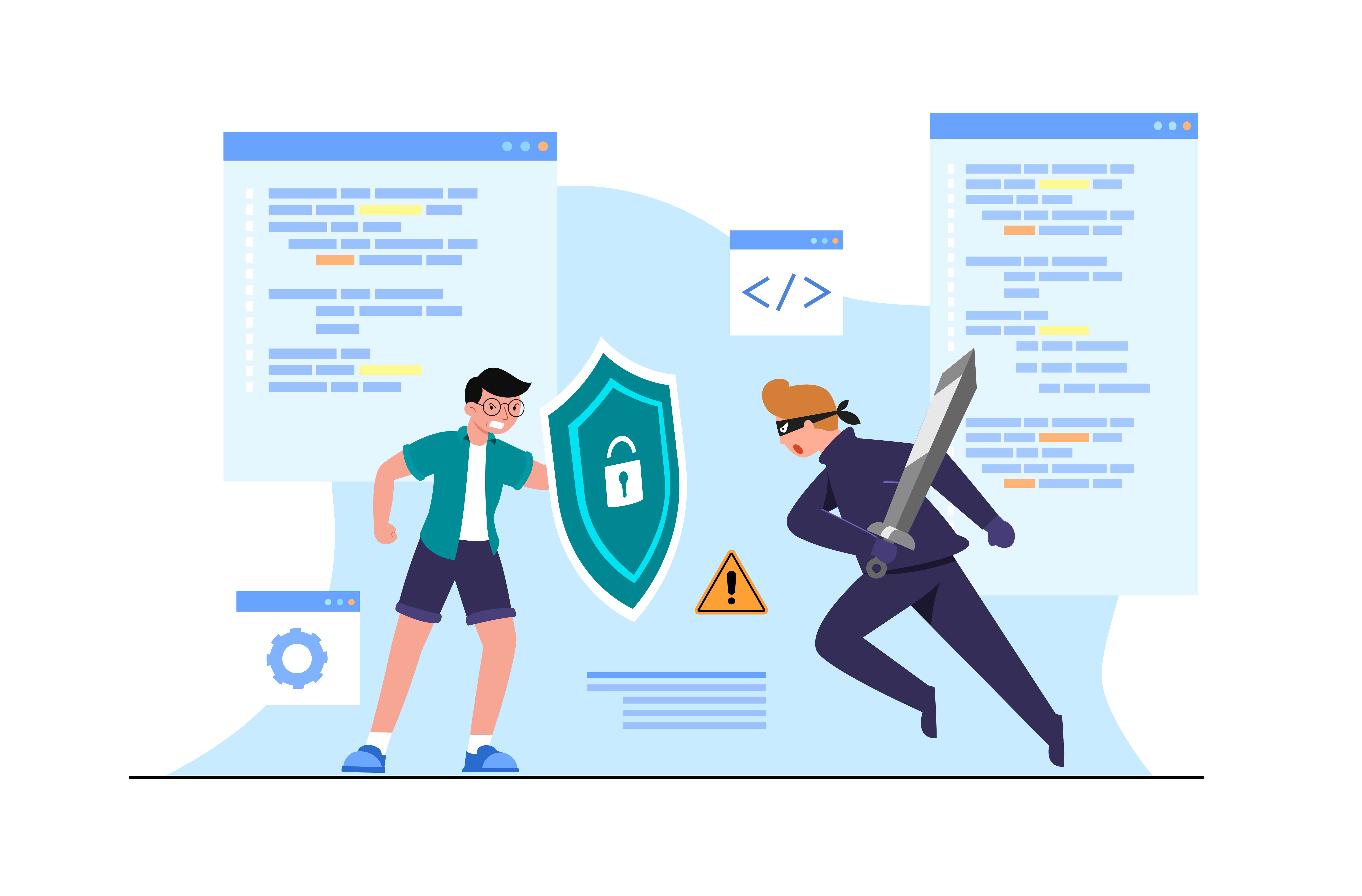
Without solid security, it doesn’t matter how private you’ve kept your data—if someone hacks into your system, it’s game over. So if privacy is the rulebook on who’s allowed to see your info, security is the guard dog making sure no one breaks in.


Privacy vs. Security: What’s the Difference?

Let’s keep it simple:

  • Privacy = control over your personal data.
  • Security = protection from external threats.


A company might be super secure (hello, encrypted servers), but still sell your data to advertisers. That’s privacy gone. Or an app could be privacy-focused but vulnerable to attacks. That’s a security fail.


Bottom line? You need both.


Why Both Matter 

Here’s why balancing privacy and security is non-negotiable:

  • Sensitive info stays safe – Whether it’s your bank details or personal DMs, you want full control and protection.
  • You don’t get played – Privacy keeps platforms from cashing in on your data, while security blocks hackers and scammers.
  • You build trust – For businesses, showing customers you care about both = major loyalty points.


The Real-World Struggle: Privacy vs. Security IRL

This tension isn’t just tech talk—it’s everywhere:

  • Govt surveillance: Programs like PRISM (yup, that Snowden thing) put national security above individual privacy.
  • Big tech issues: Google and Meta keep your accounts safe, but also track you like a hawk for ad revenue.
  • Data breaches: In 2024, we saw 2.6 billion+ personal records exposed. If your security’s weak, privacy’s useless.


How to Lock Down Both Privacy & Security

You don’t need to be a cyber-genius. Start with these basics:

  • Strong passwords: Use a password manager like Bitwarden or LastPass.
  • 2FA everything: Add that extra step of protection.
  • Use a VPN: Hides your IP and encrypts your connection (especially on public WiFi).
  • Stay updated: Outdated apps = open doors for hackers.
  • Control your data: Adjust privacy settings, turn off location tracking, reject cookies you don’t need.
  • Antivirus is a must: Tools like Malwarebytes or Bitdefender catch malware before it ruins your day.
  • Encrypt your stuff: Use apps like Signal for chats, ProtonMail for emails.
  • Don’t click sketchy links: If it looks sus, it probably is.


The Future of Privacy & Security

With tech evolving fast, the next wave of threats is already here. AI can analyze massive datasets—great for progress, but risky if misused. And quantum computing? It could break today’s encryption. Translation: we’ll need smarter, newer ways to stay safe.


TL;DR – You Need Both to Win Online

Privacy and security aren’t either/or—they’re teammates. Privacy gives you control. Security keeps your data protected. And when you combine both, you’re actually safe, not just hoping for the best.


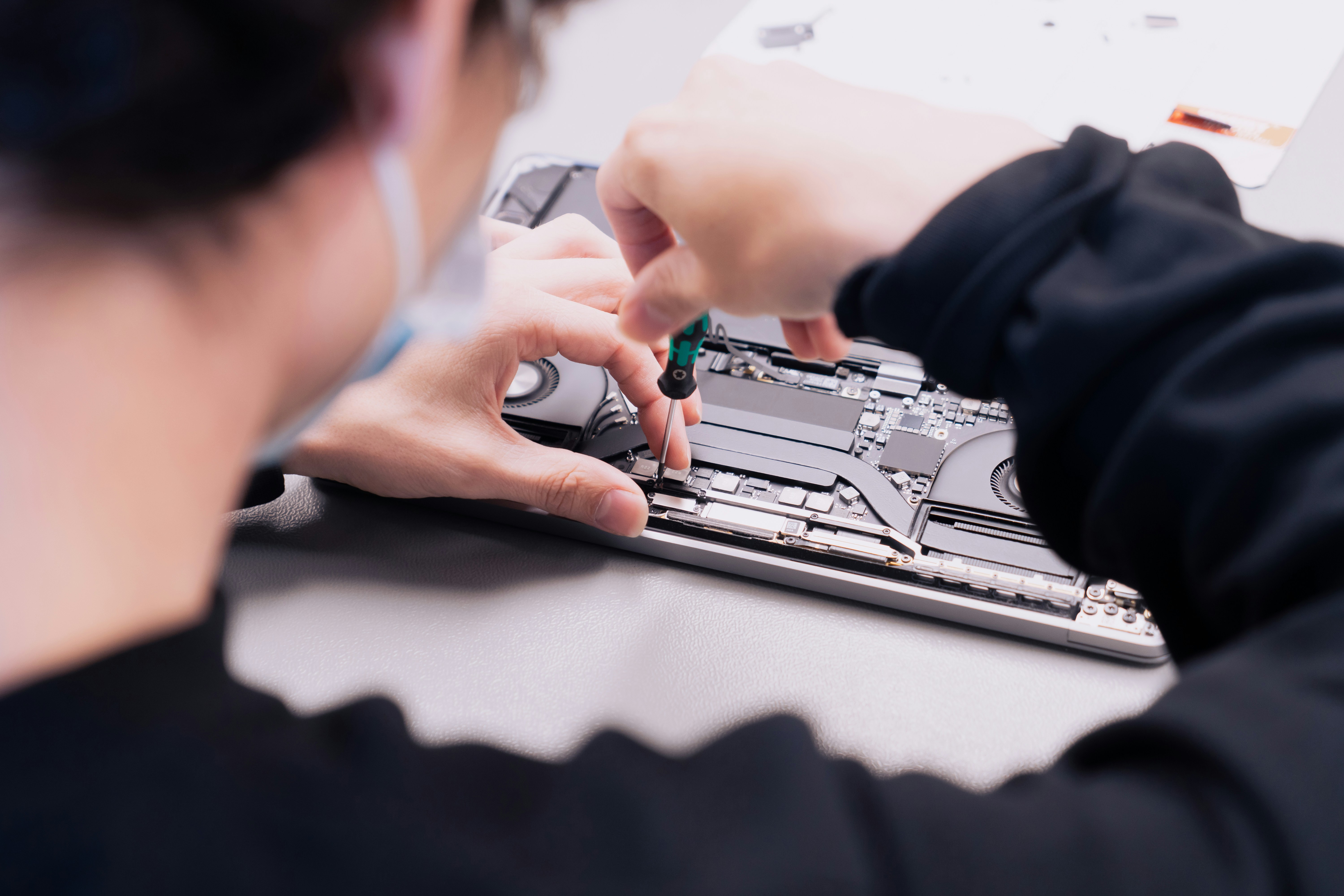
At Nextgen Tech, we’ve got your back. Our WiFi and Networking Solutions ensure encrypted, safe connections. Need help with device safety? Our Computer and Laptop Repair services cover that too. And for peace of mind, our Data Backup and Recovery services make sure you never lose what matters most.


Take responsibility for your online safety. Contact us at 0433 840 041 to find out how we can assist you.

Shri Kandel

Shri Kandel

CEO & Lead IT Technician — NextGen Tech Solutions

Shri is the founder and lead technician at NextGen Tech Solutions, Canberra's trusted IT support provider. With extensive experience in computer repairs, networking, and cybersecurity, he helps homes and small businesses across Canberra stay connected and protected.

Feel free to message

Let's Connect ‐ Get Expert IT Help Today!

Get In Touch

Have a question or need IT support in Canberra? Our friendly team is ready to help. Contact us today for fast, reliable service.

Address

241 Flemington Rd, Franklin, ACT, 2913

Email

[email protected]

Frequently Asked Questions

Common Questions About Our Services

1. What IT support services does Nextgen Tech Solutions provide in Canberra?

NextGen Tech Solutions provides a full range of IT support services in Canberra including computer and laptop repairs, virus removal, data recovery, Wi-Fi setup and network installation, remote IT support, software installation, password recovery, SSD and RAM upgrades, printer setup, cybersecurity protection, and managed IT services for small businesses. We service homes and businesses across all Canberra suburbs including Franklin, Gungahlin, Belconnen, Tuggeranong, Woden and surrounding ACT areas.

2. Can you repair laptops and desktops in Canberra?

Yes. We repair all types of laptops and desktop computers in Canberra including Windows PCs and Apple Macs. We service all major brands including HP, Dell, Lenovo, Asus, Acer, Apple, Samsung and custom-built PCs. Common repairs include screen replacements, slow performance fixes, startup failures, overheating, hardware upgrades, and software issues. We offer same-day on-site repairs across all Canberra suburbs — our technicians come directly to your home or office.

3. Do you offer same-day computer repair services?

Yes. NextGen Tech Solutions offers same-day computer repair services across Canberra and all ACT suburbs. In most cases our technicians can reach you within 2 to 4 hours of your call. We prioritise urgent bookings and are available Monday to Saturday, 8am to 6pm. For same-day repairs call us now on 0433 840 041 and we will do our best to get a technician to you as quickly as possible.

4. Can Nextgen Tech Solutions build websites for small businesses?

Yes. NextGen Tech Solutions provides professional website design and development services for small businesses in Canberra. We build modern, mobile-friendly websites using WordPress and custom platforms. Our websites are built with SEO best practices to help your business rank on Google. We also offer ongoing website maintenance, hosting setup, and digital marketing support. Contact us on 0433 840 041 to discuss your website project.

5. Do you provide virus removal and malware protection?

Yes. We provide professional virus removal and malware protection services across Canberra. Our technicians remove all types of viruses, ransomware, spyware, adware and malware from your computer. After removal we secure your system with proper antivirus software, firewall settings and secure browsing setup to prevent future infections. We offer same-day emergency virus removal — call 0433 840 041 if your computer is infected.

6. What areas does Nextgen Tech Solutions serve?

NextGen Tech Solutions provides IT support and computer repairs across all Canberra suburbs and ACT regions including Franklin, Gungahlin, Belconnen, Tuggeranong, Woden, Weston Creek, Civic, Inner North, Inner South, and surrounding areas. We also service Queanbeyan and nearby NSW border regions. Not sure if we cover your area? Call us on 0433 840 041 and we will confirm availability for your location.

7. Can you help with WiFi setup and network problems?

Yes. We provide professional Wi-Fi setup and network installation services across Canberra for both homes and businesses. Our services include NBN setup, router configuration, mesh Wi-Fi installation, fixing Wi-Fi dead zones, network security setup, and troubleshooting slow or dropping internet connections. We handle all NBN connection types including FTTP, FTTN, FTTC and HFC. Call 0433 840 041 for same-day Wi-Fi support in Canberra.

8. Do you offer IT solutions for small businesses?

Yes. NextGen Tech Solutions provides comprehensive IT solutions for small businesses across Canberra including server setup and maintenance, Microsoft 365 installation and migration, network infrastructure, cybersecurity and antivirus protection, remote IT support, staff workstation setup, printer and peripheral configuration, cloud storage solutions, email setup and configuration, and ongoing managed IT support. We offer flexible plans with no lock-in contracts to suit small business budgets.

9. Can you recover lost data from laptops or desktops?

Yes. We provide professional data recovery services in Canberra for laptops, desktops, hard drives, SSDs, USB drives and memory cards. We can recover lost, deleted or corrupted files including photos, documents, videos and business data. Our technicians perform thorough assessments before starting any recovery work. We operate on a no data, no fee basis — meaning you only pay if we successfully recover your files. Call 0433 840 041 for emergency data recovery in Canberra.

10. How do I contact Nextgen Tech Solutions for IT support or repair?

You can contact NextGen Tech Solutions by calling 0433 840 041, emailing [email protected], or filling in the contact form on our website at nextgentechsolutions.com.au/contact. We are available Monday to Saturday, 8am to 6pm. For urgent computer repairs or IT emergencies, call us directly on 0433 840 041 and we will arrange same-day service across Canberra and all ACT suburbs.

11. How much does computer repair cost in Canberra?

Computer repair costs in Canberra vary depending on the type of repair needed. Typical price ranges at NextGen Tech Solutions are: virus removal $99 to $149, PC speed optimisation $79 to $129, laptop screen replacement $149 to $299, data recovery $149 to $499, SSD upgrade $149 to $249, RAM upgrade $79 to $149, Wi-Fi setup $79 to $129, Windows reinstall $99 to $149, and remote IT support $79 to $99 per hour. All quotes are free and provided upfront before any work begins. You only pay if we fix the problem.

12. Do you offer remote IT support in Canberra?

Yes. NextGen Tech Solutions offers remote IT support for Canberra residents and businesses. Using secure screen sharing software our technicians can connect to your computer remotely and fix many issues without a physical visit. Remote support is ideal for software problems, virus removal, slow performance, password resets, software installation and general troubleshooting. Remote support starts from $79 per hour. Call 0433 840 041 to arrange a remote support session.

13. Can you help set up a new computer or laptop in Canberra?

Yes. We provide professional new computer and laptop setup services across Canberra. Our setup service includes transferring your files and data from your old computer, installing essential software, configuring your email accounts, setting up Wi-Fi and printer connections, installing antivirus protection, and showing you how to use your new device. We come directly to your home or office anywhere in Canberra. Call 0433 840 041 to book a setup appointment.

14. Do you fix slow computers in Canberra?

Yes. Slow computer diagnosis and speed optimisation is one of our most popular services in Canberra. Common causes of slow computers include too many startup programs, full hard drive, insufficient RAM, malware infections, overheating, and outdated hardware. Our technicians diagnose the exact cause and fix it — whether that means removing malware, upgrading to an SSD, adding RAM, or cleaning dust from cooling systems. Speed optimisation typically costs $79 to $129 and can often be completed the same day.

15. Can you help with Microsoft 365 setup for my business in Canberra?

Yes. We provide Microsoft 365 setup, migration and support services for small businesses across Canberra. Our Microsoft 365 services include account setup and licensing, email migration from old systems, Outlook configuration, OneDrive and SharePoint setup, Microsoft Teams installation, and staff training. We handle the entire setup process so your team can start using Microsoft 365 with minimal disruption. Call 0433 840 041 to discuss your Microsoft 365 requirements.

16. Do you offer printer setup and troubleshooting in Canberra?

Yes. We provide printer setup and troubleshooting services for homes and businesses across Canberra. Our printer services include setting up new printers, configuring wireless and network printing, fixing printers that won't connect or print, installing drivers and software, and setting up shared printers for small business networks. We service all major printer brands including HP, Epson, Canon, Brother and Samsung. Call 0433 840 041 for printer support in Canberra.

17. Can you upgrade my laptop or desktop computer in Canberra?

Yes. We provide hardware upgrade services for laptops and desktop computers across Canberra. Popular upgrades include replacing a slow hard drive with a fast SSD which can make your computer up to five times faster, adding more RAM to improve multitasking performance, replacing a laptop battery, and upgrading graphics cards in desktop PCs. Hardware upgrades are often a cost-effective alternative to buying a new computer. Call 0433 840 041 for a free upgrade assessment in Canberra.

18. Is there a call-out fee for on-site computer repairs in Canberra?

NextGen Tech Solutions keeps call-out fees affordable for Canberra residents and businesses. We provide a free phone assessment and quote before visiting. Our No Fix No Fee guarantee means if we cannot solve your problem you do not pay for the repair attempt. All pricing is transparent and provided upfront before any work begins — no hidden fees, no surprises. Call 0433 840 041 for a free phone quote and to discuss call-out fees for your Canberra location.

19. Do you provide cybersecurity services for Canberra businesses?

Yes. NextGen Tech Solutions provides cybersecurity services for small businesses and home offices across Canberra. Our cybersecurity services include antivirus and endpoint protection setup, firewall configuration, multi-factor authentication setup, secure Wi-Fi configuration, email security setup, ransomware protection, security assessments, and staff cybersecurity awareness guidance. With Canberra's high concentration of government contractors and remote workers, cybersecurity is more important than ever. Call 0433 840 041 to discuss your cybersecurity needs.

20. What is the No Fix No Fee guarantee at Nextgen Tech Solutions?

Our No Fix No Fee guarantee means that if our technicians cannot solve your computer problem, you do not pay for the repair attempt. This guarantee applies to all on-site and remote computer repairs at NextGen Tech Solutions. We are confident in our technicians' skills and back every job with this promise. In addition all completed repairs come with our 14-Day Work Guarantee — if the same issue returns within 14 days we will fix it again free of charge. Call 0433 840 041 to book your repair with complete peace of mind.