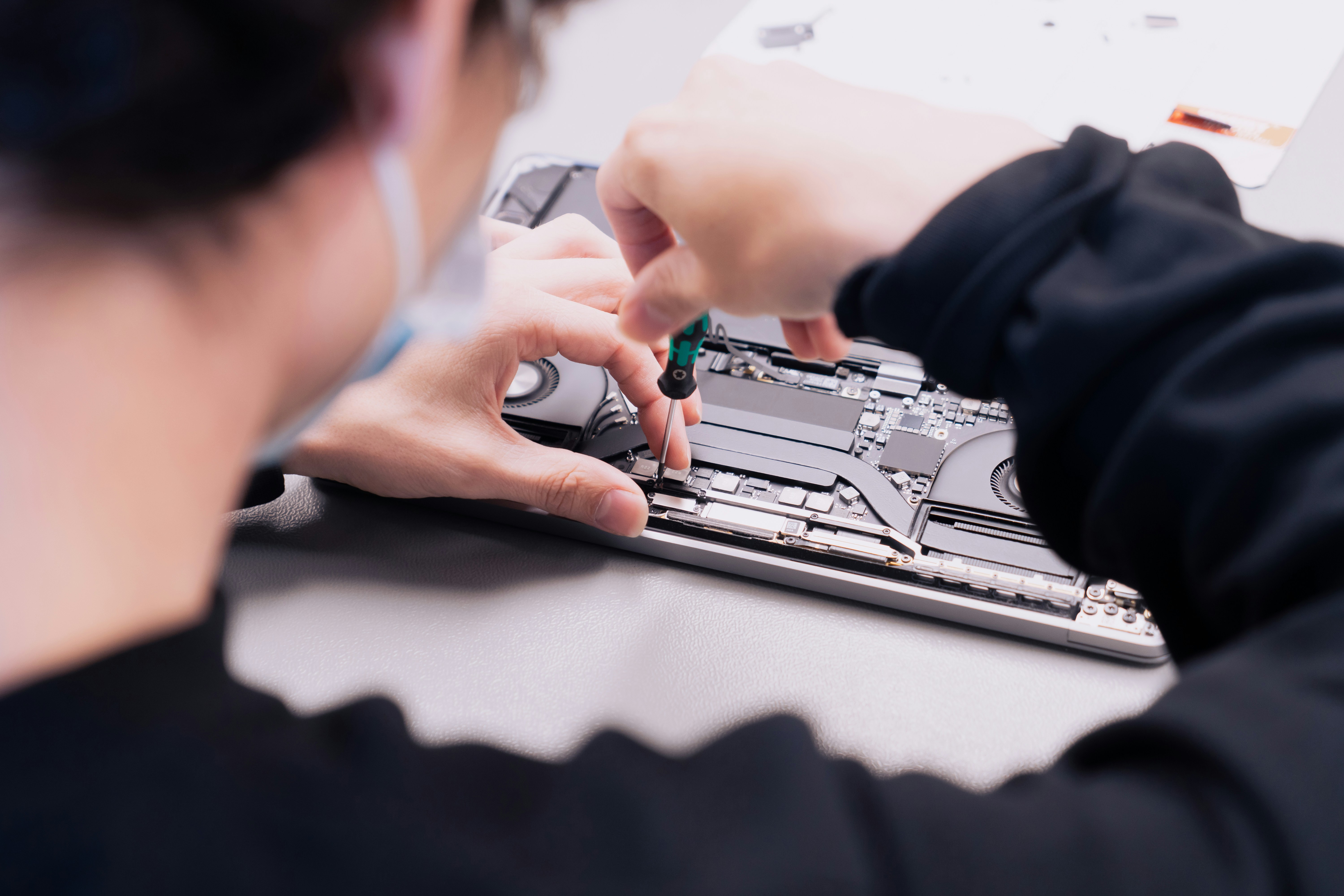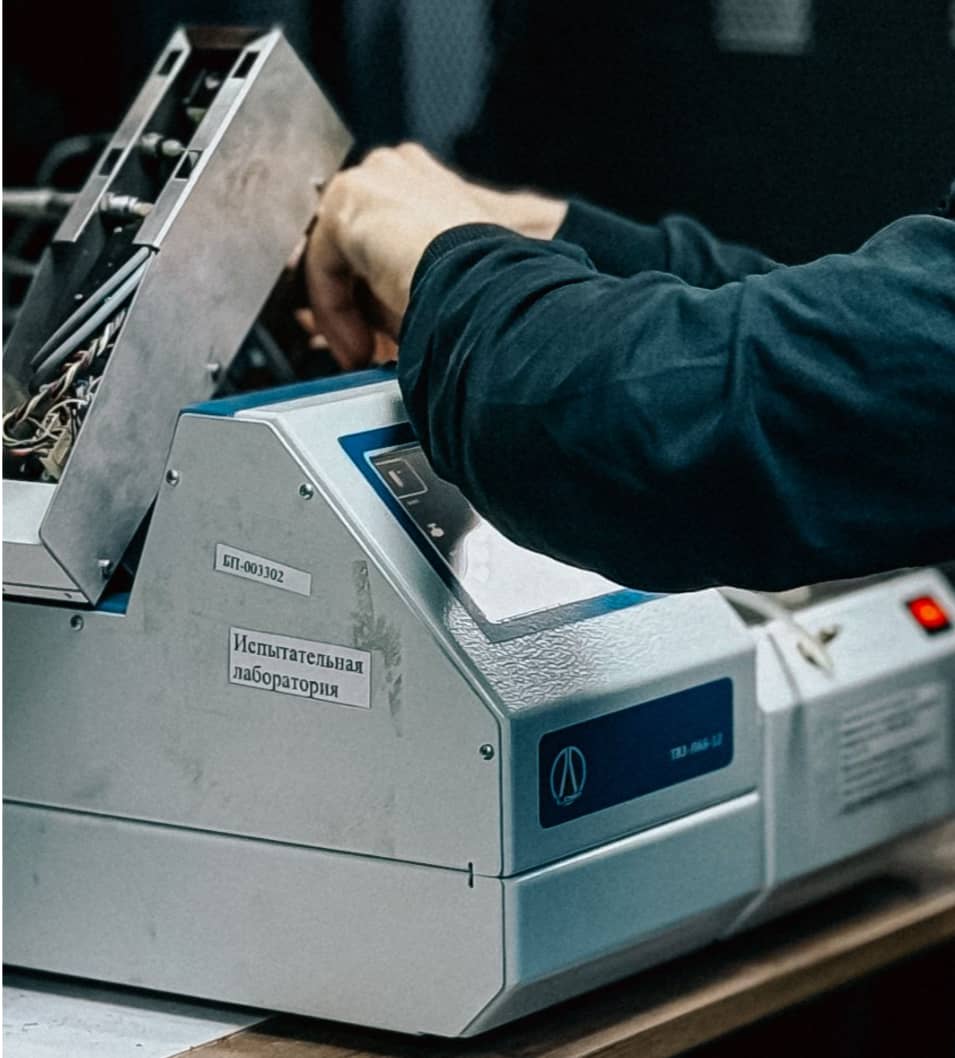

Computers crash, but your schedule shouldn’t. Canberra’s on-demand IT support keeps you running. From laptops to networks, our mobile technicians bring fast, reliable solutions straight to your home or office.
1. Common Computer Issues in Canberra
Hardware Failures
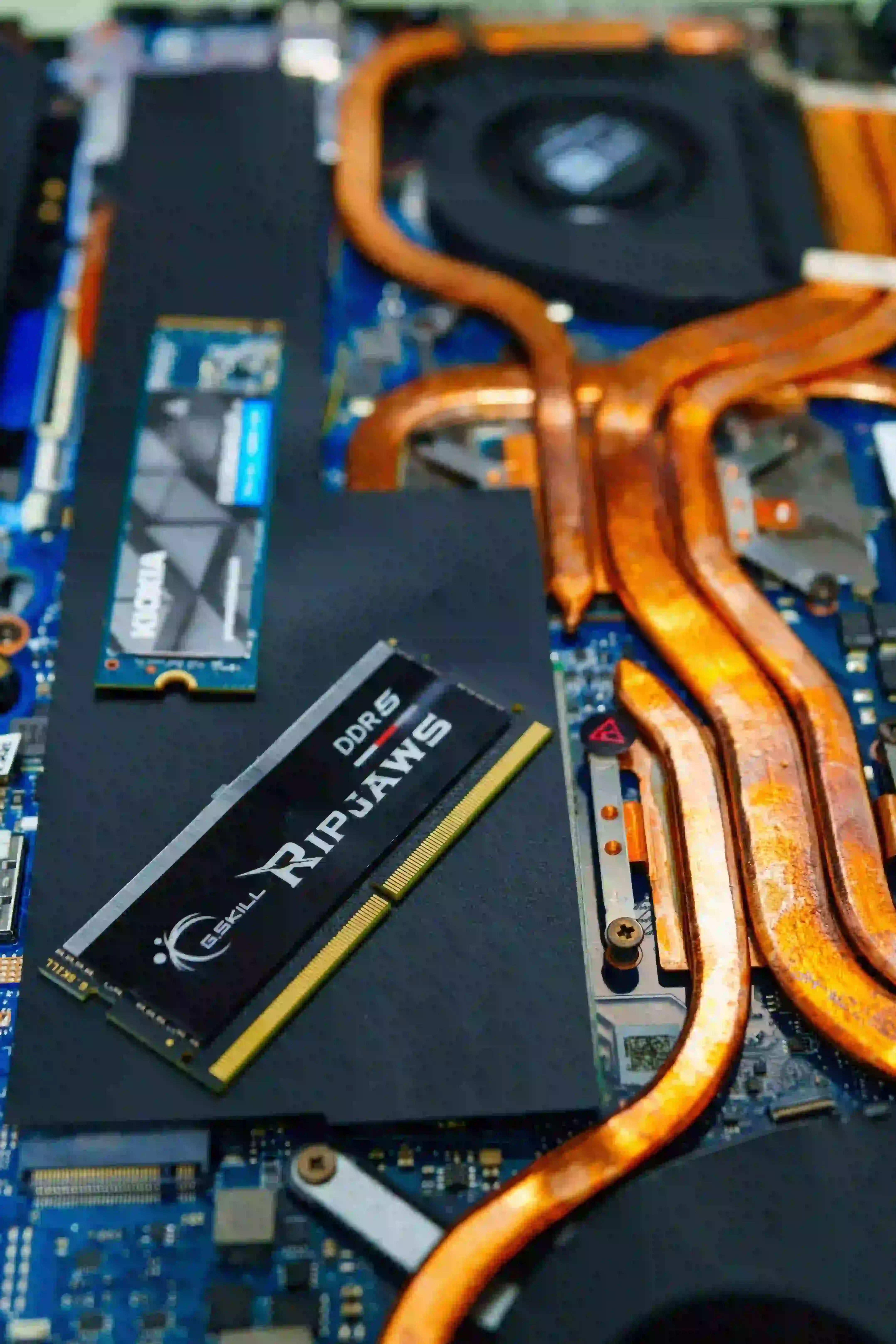
Laptop or desktop components, like hard drives and RAM, can fail unexpectedly. For example, a failing hard drive may result in lost data, a risk 60% of small businesses face without regular backups.
Software Glitches
Operating system crashes, app errors, and outdated software are frequent problems. Regular updates and patching can reduce these issues by up to 40%.
Virus & Malware Attacks
Cyber threats are increasing. Canberra-based IT providers report that malware infections cause 25–30% of support calls, highlighting the importance of robust security solutions.
2. Costs of Computer Repair & IT Support in Canberra
Individual Repairs
- Virus removal: $80–$150
- Hardware replacement: $150–$500 depending on the part
- Data recovery: $200–$1000 based on severity
Business IT Support
Businesses often opt for ongoing support packages. Prices typically range from $100–$300 per device per month or $80–$150 per hour for ad hoc services.
Tip: Investing in regular maintenance plans can save up to 50% compared to emergency repairs.
3. Choosing the Right IT Support Provider
Local vs. Remote Support
- Local: On-site troubleshooting, faster resolution
- Remote: Quick fixes via software tools, often more cost-effective
Certified Technicians
Look for providers certified in Microsoft, Cisco, or CompTIA to ensure professional and reliable service.
4. Business IT Solutions in Canberra
Network Configuration & Maintenance
A stable network is crucial for businesses. Proper configuration prevents downtime, which can cost small businesses an average of $2,500 per day in lost productivity.
Cloud Backup & Security
Cloud solutions safeguard data and improve collaboration. For instance, businesses using cloud backup experience 70% fewer data loss incidents.
Managed IT Services
Outsourcing IT management allows companies to focus on core operations while experts handle updates, cybersecurity, and troubleshooting.
5. Tips to Reduce IT Costs
- Preventive Maintenance: Schedule regular system checks to avoid costly breakdowns.
- Employee Training: Educate staff on cybersecurity and software use.
- Use Open-Source Tools: Save on software licensing while maintaining efficiency.
Analogy: Think of IT support like a car mechanic regular servicing prevents expensive breakdowns.
6. When to Call a Professional
- Slow performance despite basic fixes
- Frequent crashes or unexpected shutdowns
- Hardware damage or failure
- Suspicion of malware or ransomware
Attempting DIY fixes without experience can worsen the problem, costing more in the long run.
Conclusion
Whether you’re an individual or a business in Canberra, understanding computer repair costs, common issues, and professional IT solutions is key to staying productive. Don’t wait for a tech emergency invest in reliable IT support today to protect your devices and data.
Contact a trusted Canberra IT support provider now for a free consultation and keep your tech running smoothly.